
每个元素始终可编辑
内容放置后,仍可移动、调整大小与颜色,或重新编排。第一次尝试不必就是最终版本。 Your first attempt never has to be your final one.

用触控笔记录课程笔记、批注 PDF、勾勒界面、创建图表、规划项目,或把它们全部放进同一份文档中。
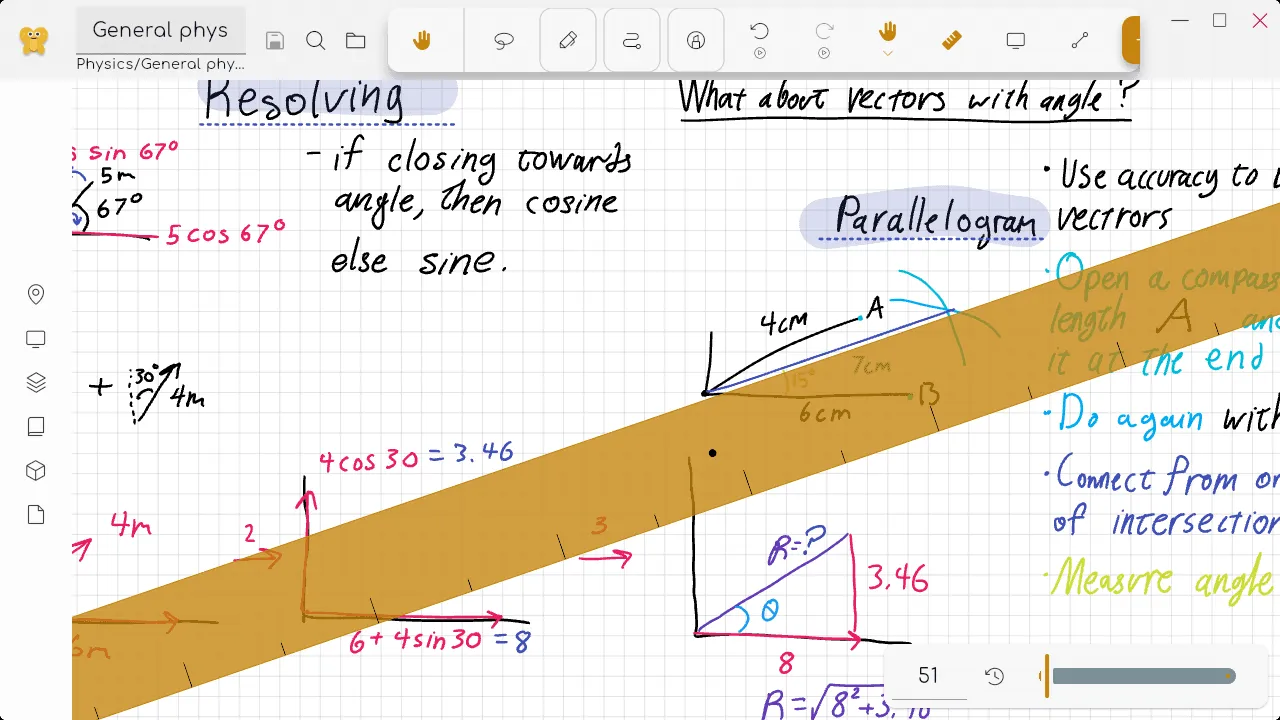
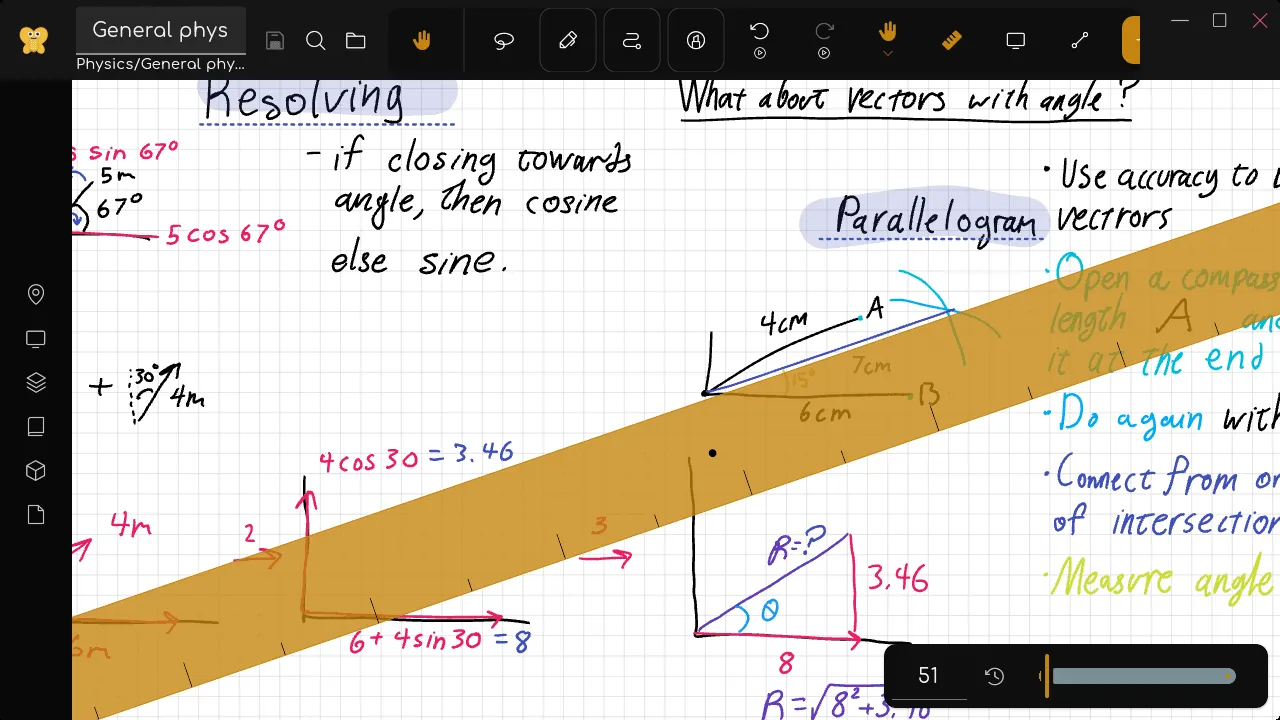
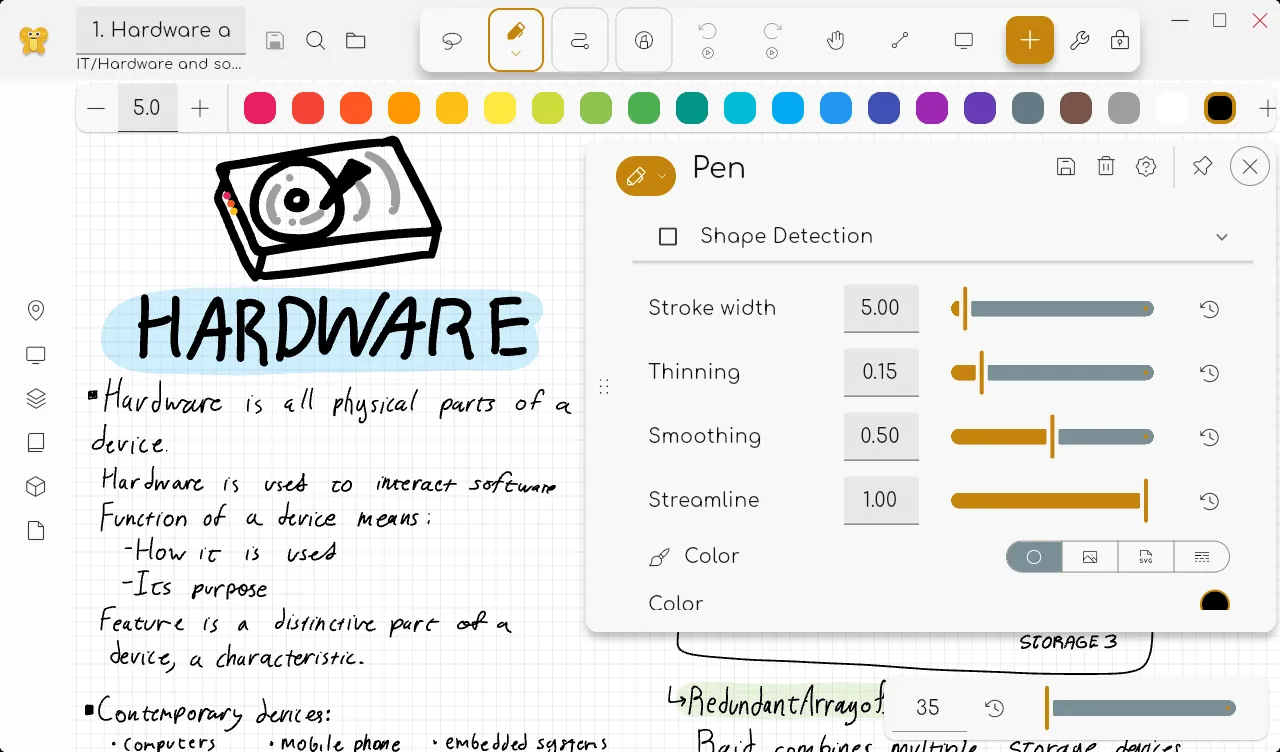
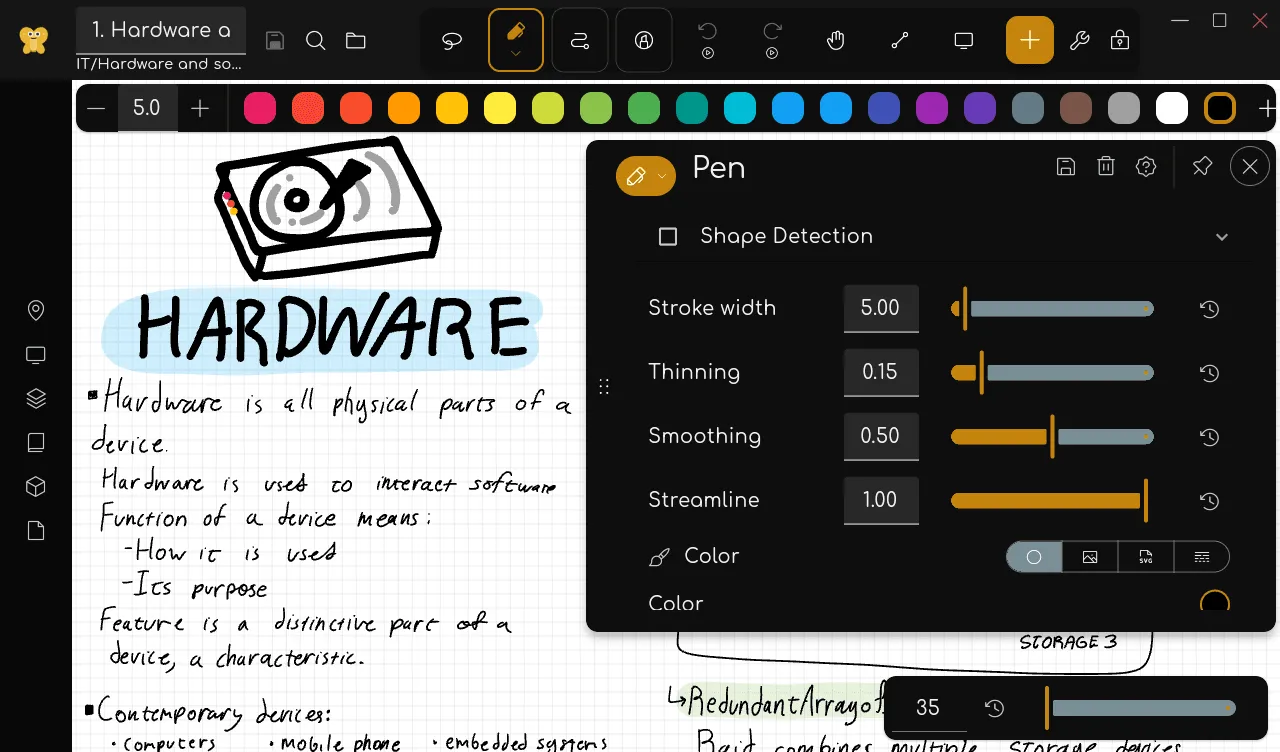
Draw with a stylus, touch, or mouse. Adjust stroke width, color, smoothing, and texture. If a mark is not quite right, edit it instead of starting over.
每个元素始终可编辑
内容放置后,仍可移动、调整大小与颜色,或重新编排。第一次尝试不必就是最终版本。 Your first attempt never has to be your final one.
常见媒体汇集于一份文档
导入相机照片、图库图片、PDF 和 SVG,与自己的笔记结合,并以常用格式导出整洁的成果。 Combine them with your own notes and export clean results in common formats.
Reusable building blocks
将喜爱的布局制成模板,将常用内容变成资源包、印章、调色板和样式,供所有文档使用。
适合每个想法的工具
Go beyond pen and eraser with labels, shapes, polygons, rulers, grids, textures, stamps, a laser pointer, presentation tools, and more.
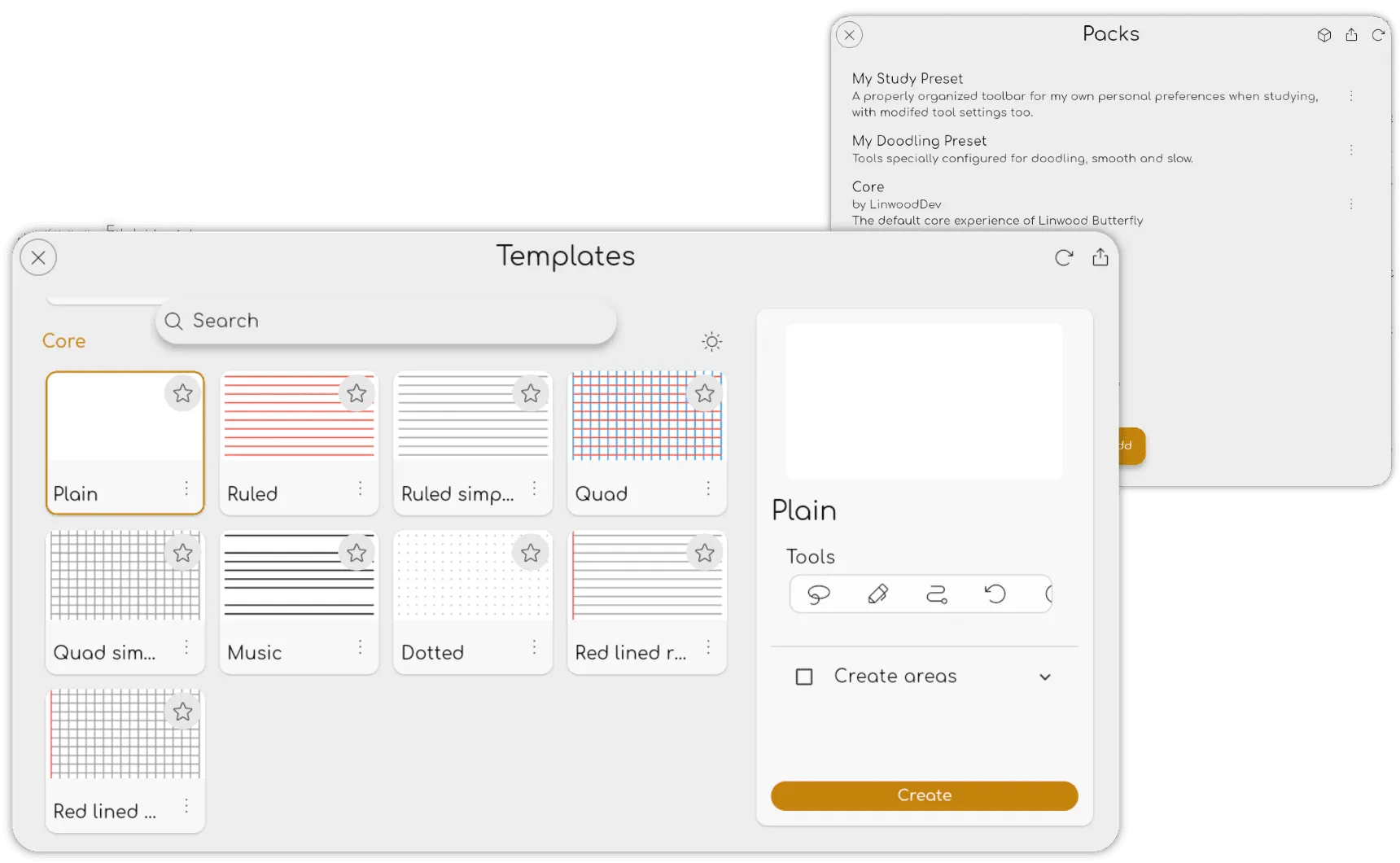
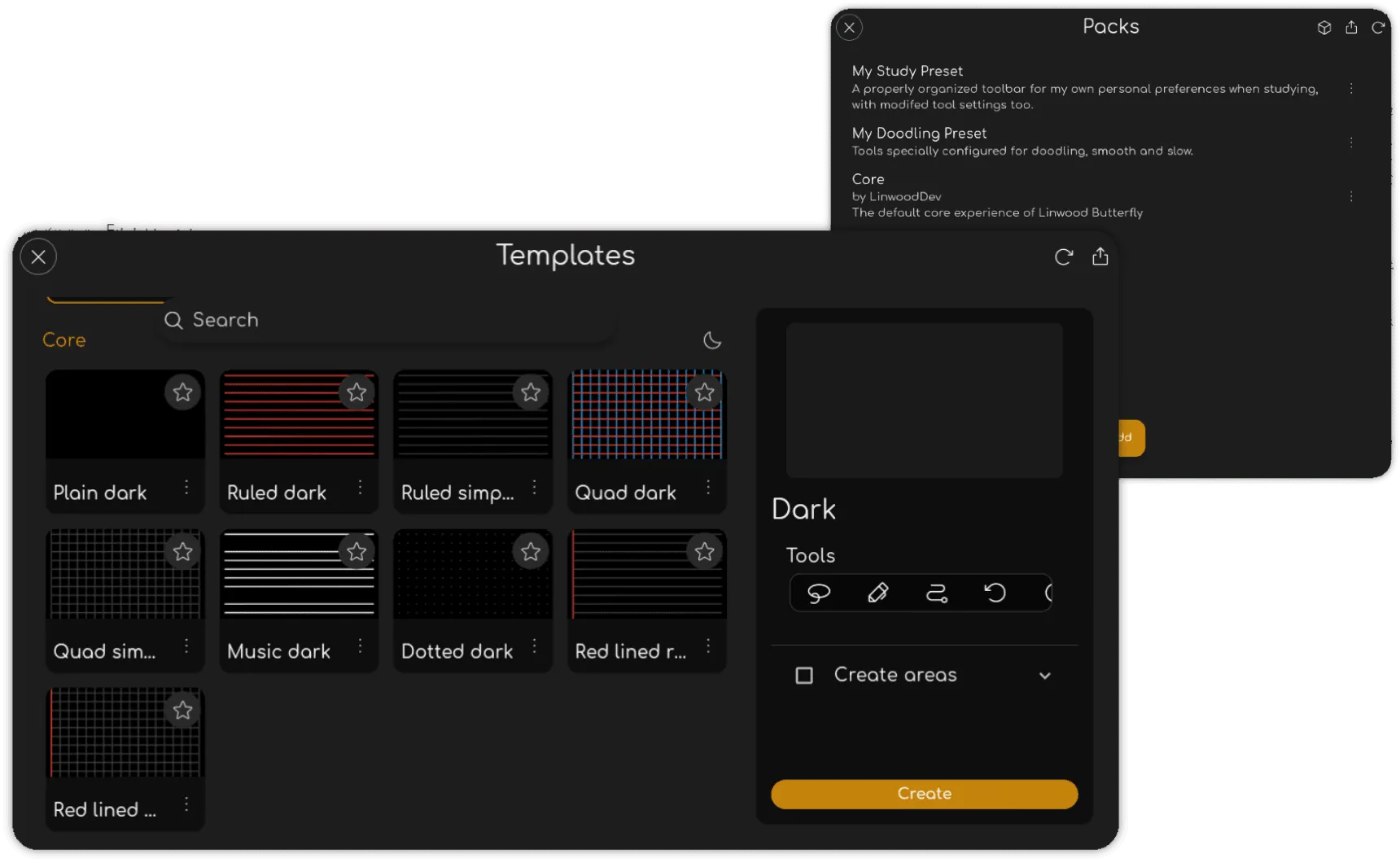
Start with a template that brings together your favorite backgrounds, tools, layers, areas, and pages. Save reusable content in packs so your next project starts with everything you need.
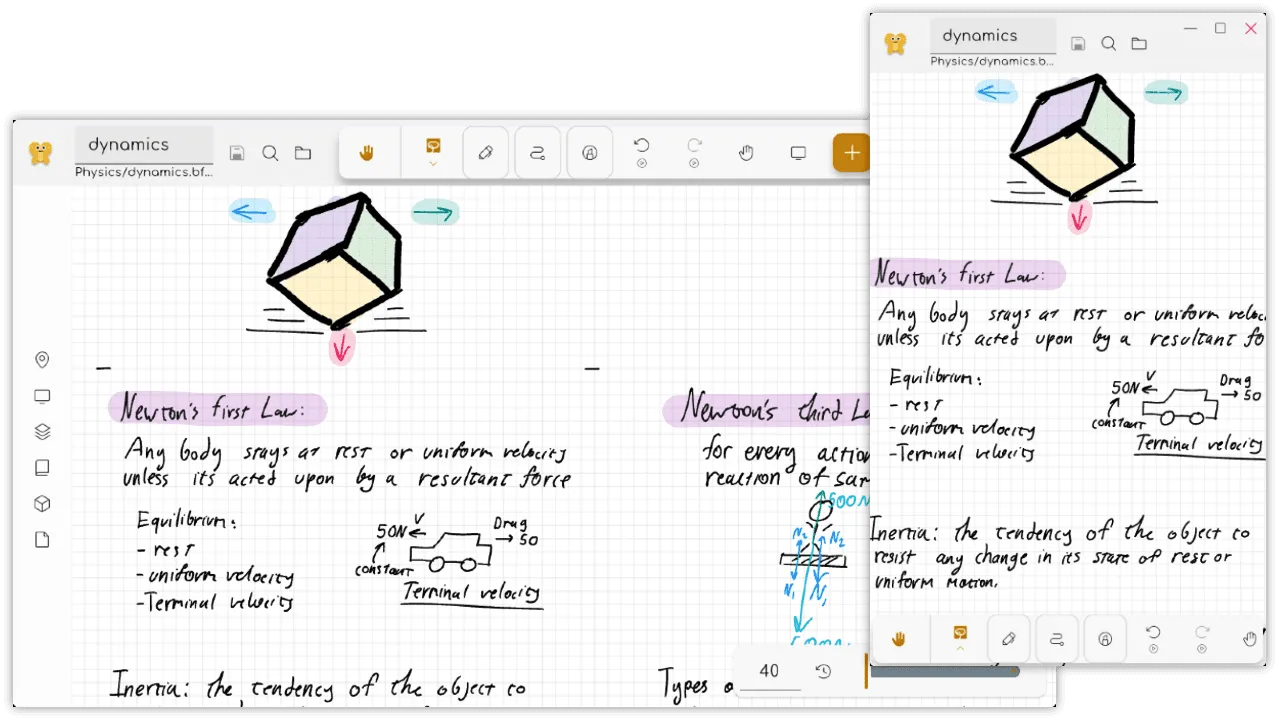
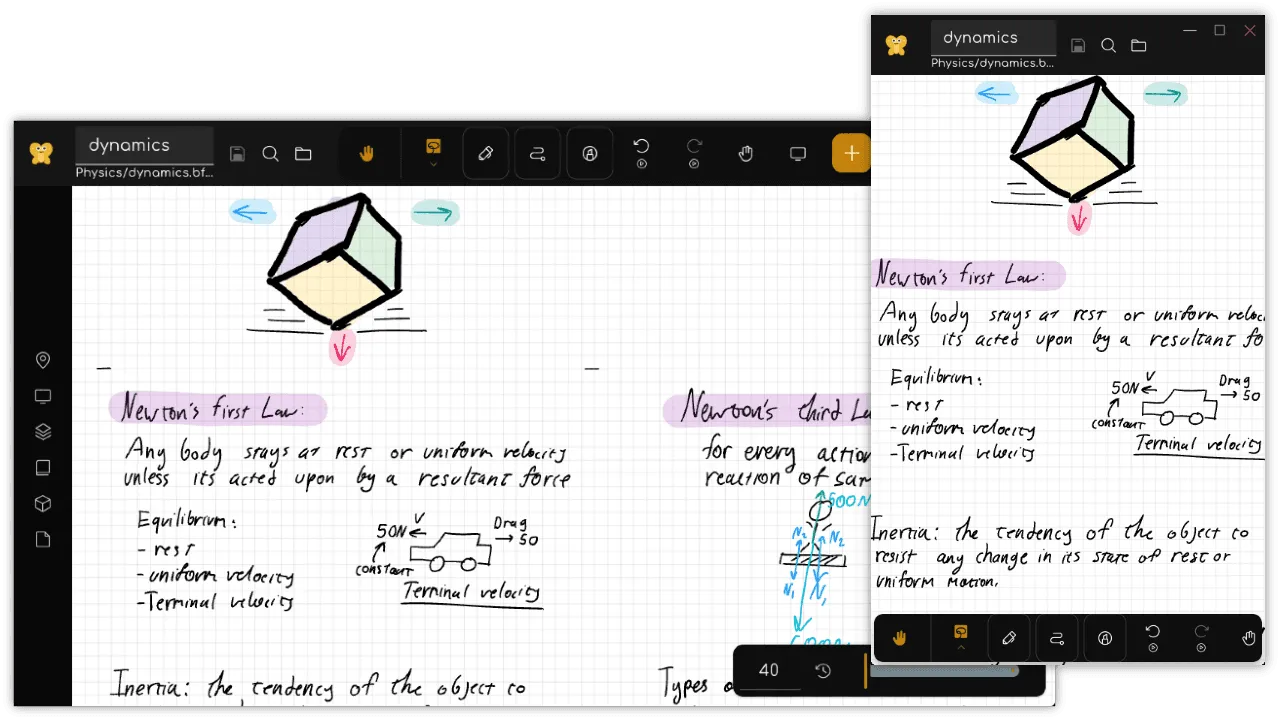
Take your canvas from your desk to your next class or meeting. Butterfly runs on Android, Windows, macOS, Linux, and in your browser, with an iOS preview also available.
默认保存到本地
Keep working without an internet connection. 即使没有网络连接也能继续工作。除非你选择保存到其他位置,文档都会留在自己的设备上。
使用自己的云端
连接 Nextcloud 等 WebDAV 服务,随时随地同步、备份和编辑笔记。
开源软件
Butterfly 在 GNU AGPL-3.0 许可下免费开源。可将文档保存在有完整文档说明的 .bfly 和 .tbfly 格式中。 Keep your documents in its documented .bfly and .tbfly formats.
一起创作
实验性的协作功能支持通过 Swamp 或自行托管的 WebSocket 服务器进行端到端加密会话。
Butterfly 以开放方式开发,并提供多种语言版本。加入社区,分享反馈、协助翻译或为项目贡献力量。 Join the community to share feedback, help with translations, or contribute to the project.